

Jackpot Jill keeps account access simple at the front end: login uses an email address and password through the browser site, and no separate native mobile app is required. The more important account friction appears later, because identity and proof-of-address documents can be requested when a withdrawal is made. That makes cashout preparation part of account management rather than an issue to think about only after a balance is ready to leave.
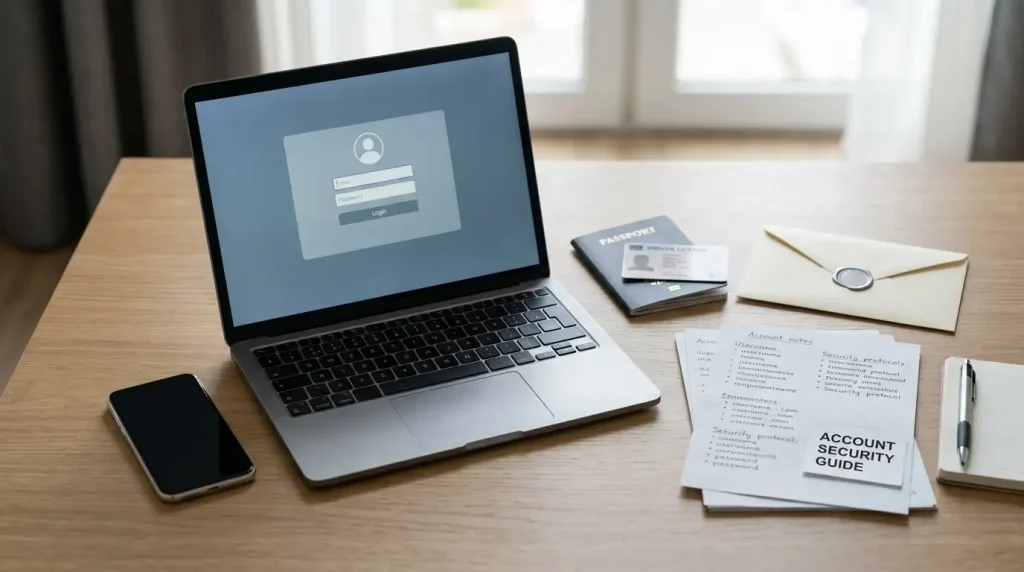
Withdrawal checks can require identity and address documents
Jackpot Jill may request identity and proof-of-address documents for withdrawals, including around the first withdrawal. That means the first cashout can be the point where a straightforward browser account becomes a more formal identity-checking process.
The practical consequence is that account details should be treated as payment details from the beginning. A name or address entered casually at registration can become important later if it does not match the document supplied during a withdrawal review. The closer the account information is to the underlying documents, the fewer obvious discrepancies need to be resolved when money is leaving the account.
That does not mean every cashout follows the same document sequence. The useful preparation is to have the basic identity trail in order before a request is submitted. A clean record is easier to manage than trying to reconstruct account details only after support asks for additional information.
| Account item | What Jackpot Jill can require | Practical check |
|---|---|---|
| Identity | Identity documentation may be requested for withdrawals. | Use an account name that matches the identity document you intend to provide. |
| Address | Proof of address may be requested. | Keep the account address aligned with a current document showing the same address. |
| First cashout | Verification may be requested around the first withdrawal. | Allow for an account-review step before treating the withdrawal as purely a payment transaction. |
For the payment side of the same process, the withdrawals guide separates verification from the A$10,000 weekly AUD cap and payment-route timing.
Verification is tied to account and cashout controls
Verification is easiest to understand as a control layer between account ownership and cashout. The login proves that someone has access to the email-and-password credentials. A document check goes further by connecting the account to an identity and address. Those are different functions, so a successful login does not mean a withdrawal will bypass further review.
The distinction becomes useful when troubleshooting. If the account opens normally but a withdrawal is waiting for documents, the login system itself is not the problem. If a player cannot sign in, the issue is account access. Treating each stage separately helps avoid a vague support request that mixes authentication, payment and document review into one problem.
- Check that the account email is one you still control and can access reliably.
- Keep the account name and address consistent with the documents you would use for a withdrawal review.
- Before cashing out, gather the relevant payment details and any identity or address documents requested.
- If support becomes involved, keep the withdrawal request, document request and support messages in one timeline.
The timeline matters because account review and payment processing are not the same stage. A withdrawal can be delayed while documents are being checked before the payment route itself is used. Keeping the sequence clear makes it easier to tell whether the open issue is verification or the movement of funds.
Account access, identity review and payment processing solve different problems. Keeping them separate makes support conversations clearer and reduces duplicate troubleshooting.
Email and password remain the browser login path
Jackpot Jill uses an email-and-password login through the browser site. That is a familiar account model, and it keeps access consistent across desktop and mobile because the same web account is used rather than a separate app-specific identity.
The simplicity of that setup places more importance on basic credential hygiene. A gambling account can hold personal information and a balance, so the email account attached to it deserves the same protection as the casino password. Reusing a password from another service increases the impact of a breach elsewhere because the same credentials can be tried against multiple accounts.
- Use a unique password for the casino account rather than recycling one from another service.
- Protect the connected email account because password-reset messages may be sent there.
- Avoid saving casino credentials on shared or public devices.
- Sign out after a session when another person can access the same browser or device.
Browser login also means there is no separate app-store account layer between the user and the casino. That can make access simpler, but it does not remove the need to keep the device itself secure. A locked phone, current browser and careful password handling are more relevant than whether an app icon is installed.
For banking rather than login, the payments guide covers the card, bank-transfer, prepaid and crypto routes used around the same account.
Responsive browser access avoids a separate app install
Jackpot Jill runs as a responsive browser site, so mobile users do not need to download a native application. The same browser path handles login, games, banking and support on a smaller screen. That reduces setup friction because there is no separate application package to install or update.
The browser-first format also keeps device permissions simpler. A native app can request operating-system permissions and store application data locally; a browser session uses the existing browser environment instead. For the player, the useful question is therefore less about app installation and more about session security on the device being used.
Shared devices deserve particular care. Saving a password or leaving the account signed in can expose account details to the next person using the browser. Private browsing can reduce some local history, but it is not a substitute for signing out or protecting the device with its own lock.
Connection quality matters too. Account pages may work normally on a weaker connection while graphics-heavy games or live-dealer streams become unstable. That is a performance issue rather than an account-status signal. If the session becomes unreliable, avoid repeating payment or account actions simply because a page appears slow to update.
The games guide explains how the 2,000+ game catalogue, live-dealer section and provider mix fit into that same browser experience.
Round-the-clock chat is the main support route
Jackpot Jill provides 24/7 live chat, making it the most immediate support route for account questions. The support email address is [email protected]. Live chat is better suited to an active login or withdrawal issue, while email can be useful when the problem benefits from a written record and attached context.
The quality of a support request often depends on how narrowly the issue is described. “My withdrawal is not working” leaves several possibilities open. A better request identifies the amount, payment route, request time, whether a document request has appeared and whether the account itself is accessible. That gives support a clearer starting point without requiring the player to guess at the cause.
For verification questions, do not send more sensitive information than the support channel asks for. If documents are requested, follow the account instructions for how they should be supplied rather than posting identity material into an unrelated chat field or message thread.
- State the account issue in one sentence: login, verification, withdrawal or payment route.
- Include the relevant request date and amount where the issue concerns a withdrawal.
- Note whether identity or proof-of-address documents have already been requested.
- Keep a copy of the conversation or email so later follow-up starts from the same facts.
Support is most useful when it is treated as part of an account record. If the issue continues across more than one conversation, the earlier messages provide a timeline and reduce the need to explain the same sequence from scratch.
Common questions about Jackpot Jill accounts
How do you log in to Jackpot Jill? Can Jackpot Jill request verification documents? Does Jackpot Jill require a mobile app? Does Jackpot Jill offer live chat?
Jackpot Jill account management becomes most important at cashout
The login itself is conventional: email, password and browser access across desktop or mobile. The important account-management work begins when a withdrawal connects those credentials to identity documents, proof of address and a payment request. Keeping account details consistent, protecting the connected email account and recording support conversations gives the cashout process a cleaner foundation. Jackpot Jill’s 24/7 live chat provides an immediate support path, while the responsive browser format keeps the same account controls available without a separate native app.